
Choose Your Family Video Historian Package
Keep a copy for yourself and share the gift of family memories with someone you love. Choose the number of computers you want to activate.
One-time purchase · No subscription · Windows software. Initial activation requires internet access; ordinary use afterward is offline.
Made for the Memories That Matter
Import your existing digital videos, organize the people and stories connected to them, and preserve memories to enjoy and share.
Quick Questions & Answers
What does Family Video Historian do?
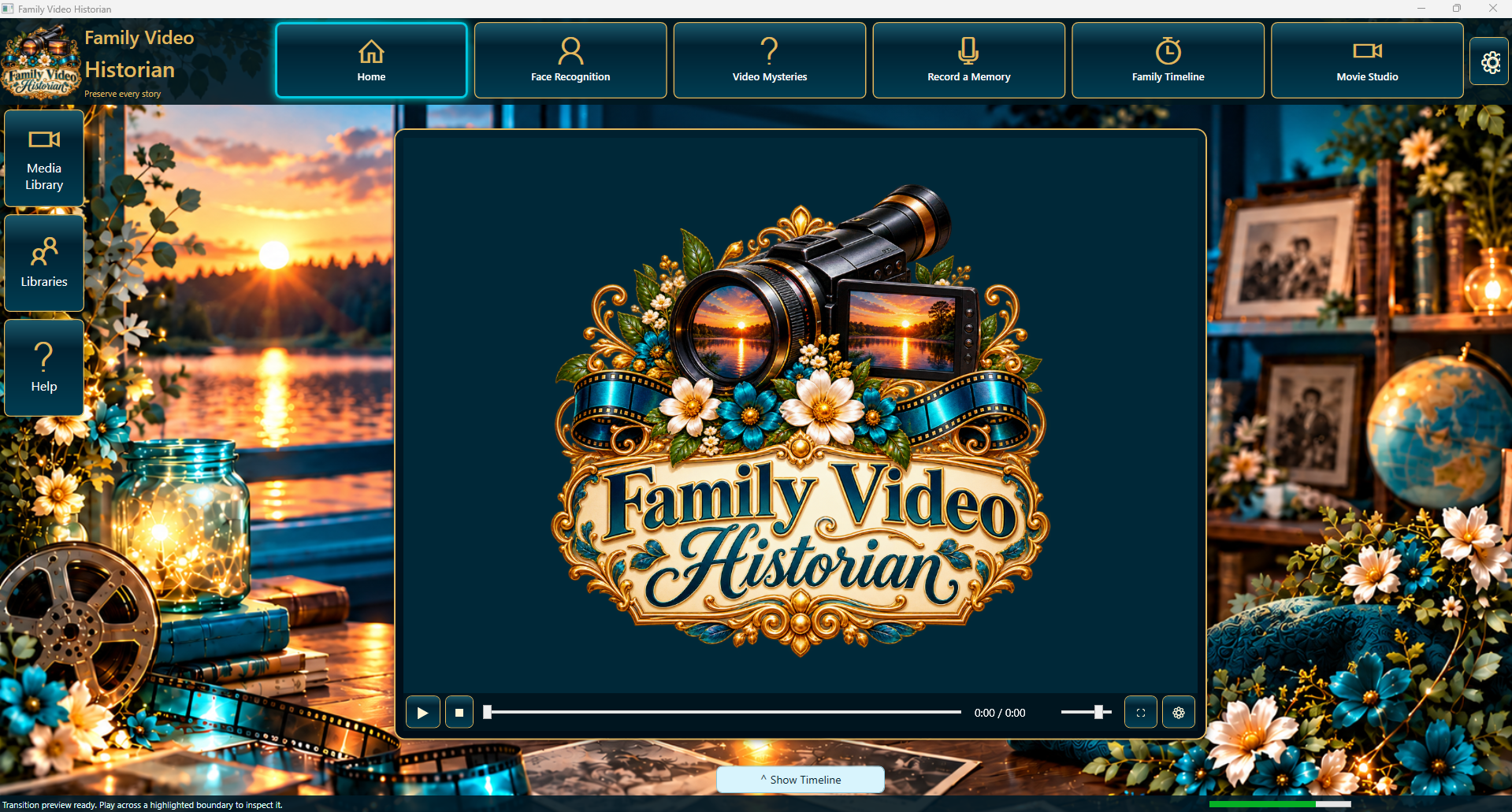
Family Video Historian is a Windows desktop program designed to help you organize existing digital family videos and preserve the people, places, voices, and stories connected to them.
What features are included in Family Video Historian?
Family Video Historian brings your video library and the stories behind your recordings together in one place.
- Video Libraries & Collections: Import, browse, and organize digital family videos.
- Albums, Titles & Details: Group videos and save names, dates, places, and notes.
- Face Recognition & People Library: Identify familiar faces and find videos featuring family members.
- Video Mysteries: Keep track of unknown people and unanswered questions.
- Record a Memory: Save a spoken memory connected to a particular video.
- Family Timeline: Revisit meaningful moments across the years.
- Movie Studio: Bring favorite video clips together into a family movie.
- Editing Tools: Make simple adjustments to your videos.
- Export & Share: Prepare copies of videos to share with family.
Does it convert VHS tapes or old film?
No. Family Video Historian organizes existing digital video files. It does not digitize or transfer tapes, film reels, or other analog recordings.
How do I download it?
After purchase, your download and license details are delivered through Payhip.
Is there a subscription?
No. Each package is a one-time purchase with no monthly subscription.
Where are my videos stored?
Your family video library is handled locally on your own computer during ordinary use. You do not need to upload your family videos to a public website.
How do the family packages work?
Each purchase provides one shared license key linked to the purchaser’s email address. The Single Copy allows one Windows computer, the Family Two-Pack two, and the Family Three-Pack three. The purchaser can share the installer and key with intended family recipients within that activation limit.
Can I use it on a Mac or phone?
No. Family Video Historian is downloadable Windows desktop software, not a Mac application or phone app.
How do I get help?
For purchase, licensing, or refund questions, contact marketing@rayoflightpublishing.com. See the Terms of Service for the support policy.